


- Extracting “Name, Price, Image, Rating” fields for each product in a product list.
- Extracting “Title, Summary, Date, Likes” information in a post list.
- Extracting “Job Title, Company, Location, Salary Range” in a job list.
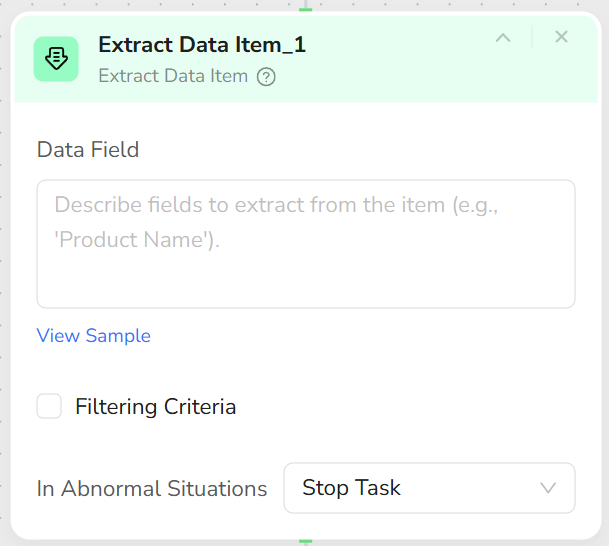
- Batch extracts multiple fields from the current list item.
- Supports filling unified placeholder values (e.g., None) for missing fields.
- Supports filtering criteria configuration to keep only data meeting specific conditions (e.g., posted within the last N days).
- Add an Extract Data Item node inside a Loop List.
- Configure Data Fields prompts to clearly describe the fields to extract, for example:
- “Extract from current job item: Job Title, Company Name, Post Date, Salary Range. If missing, fill N/A.”
- (Optional) Configure Filtering Criteria, for example:
- “Only keep jobs posted within the last 3 days.”
- Upon execution, Loop List runs Extract Data Item for each list item and aggregates the data into a table/dataset.
- It is best to configure only one Extract Data Item node per Loop List to maintain a clear structure.
- Clearer field descriptions lead to more stable extraction results; state field names and meanings clearly.
- If the page structure is complex, consider splitting into multiple Loop List + Extract Data Item sets to extract by region.