

- Clicking video titles one by one in a video list to enter detail pages for further data collection.
- Clicking every news headline in a news list to scrape the full article content.
- Clicking product images or titles in a product list to get more specifications or reviews.
- Locates click targets within the currently focused list item using natural language.
- Triggers page navigation or content expansion.
- Supports continuing with Extract Data or other operations after clicking.
- Add a Click Element Item node inside a Loop List.
- Describe the element to click in Element Description, for example:
- “Click the title link of the current job item”
- “Click the thumbnail of the current video item”
- “Click the View Details button in the current product item”
- After clicking, you can attach Extract Data or other nodes within the same loop to complete scraping on the detail page.
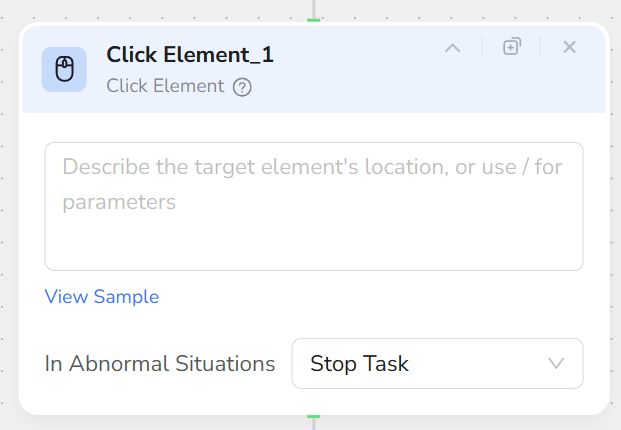
- Click Element Item can only be used within a Loop List; it cannot be used independently.
- Each node clicks only once. If multiple elements need clicking, chain multiple Click Element Item nodes within the Loop List.
- Emphasize “Current Item” in the description to avoid accidentally clicking other areas of the page.
- For scenarios requiring return to the list page after navigation, combine with Tab Operation or Go Back actions.