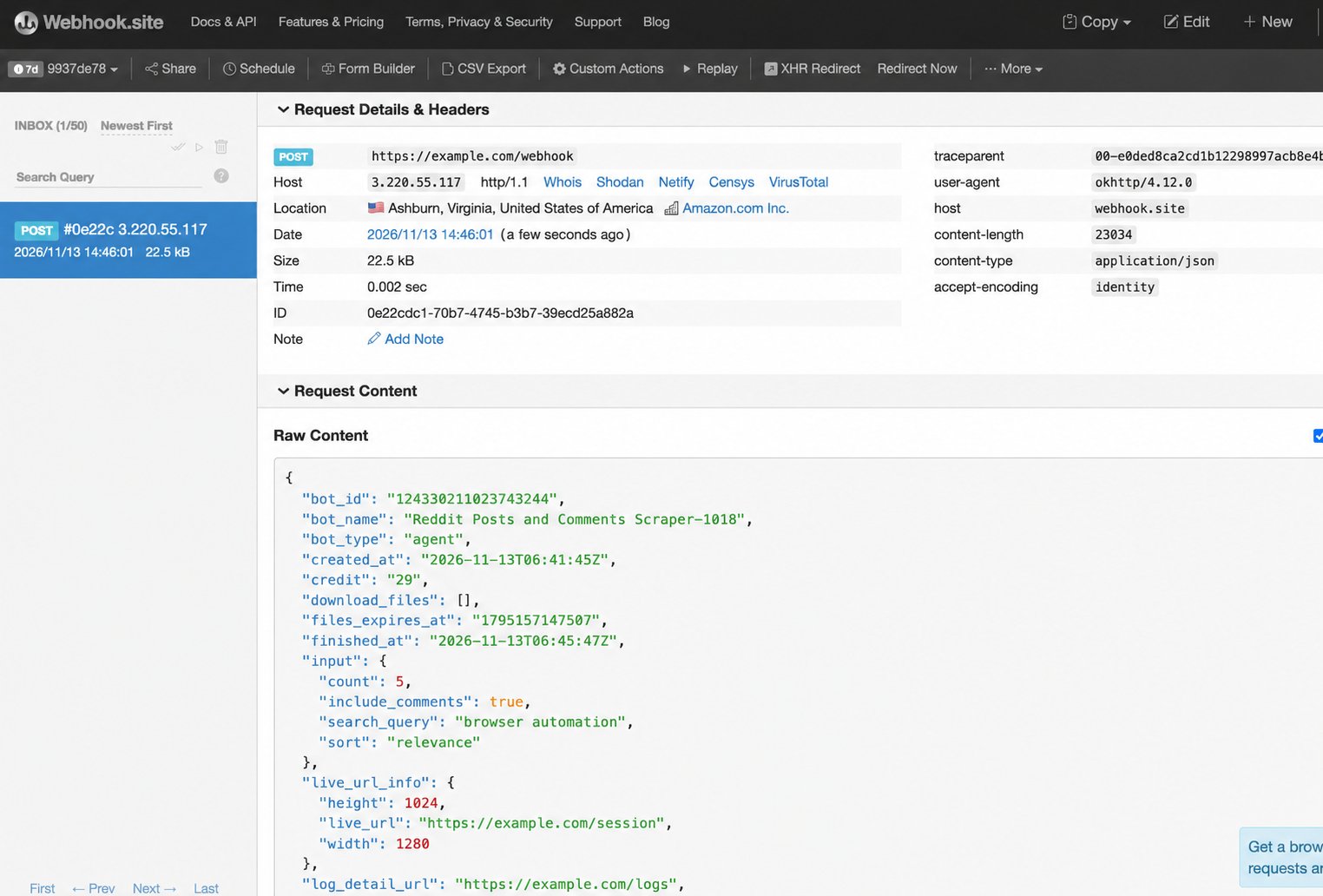
Before you start
- Use a published Agent-built Bot.
- Prepare an endpoint that accepts HTTP POST requests with a JSON body.
1. Open Webhook
Open your Bot → Integrations → Webhook → Configure.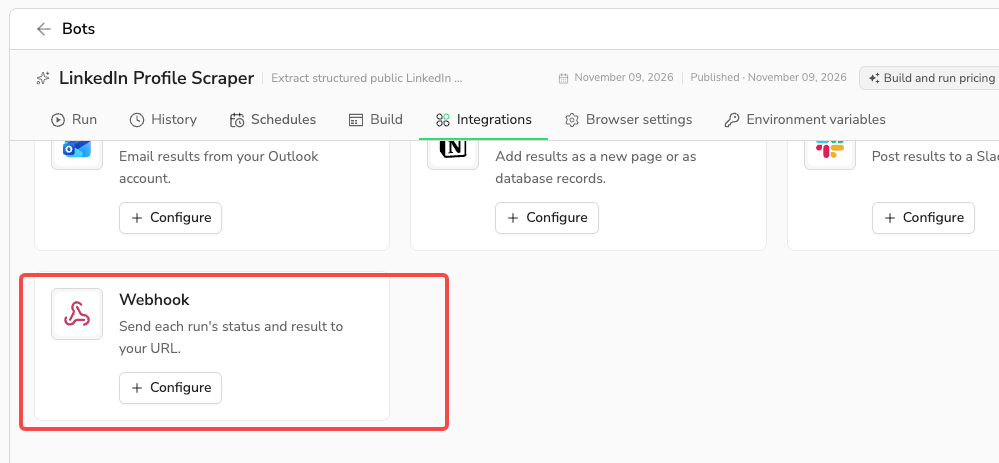
2. Set the URL, events, and sources
Enter your Receiving URL. Use HTTPS if it contains query parameters. Under Events, select at least one: Success, Failure, or Cancelled. Under Runs to deliver, select at least one source: Manual runs, Scheduled runs, Runs from Make, n8n & Zapier, or API runs. Both the final event and run source must match. MCP calls, build tasks, draft tests, and Bots reused inside a Workflow do not trigger the webhook.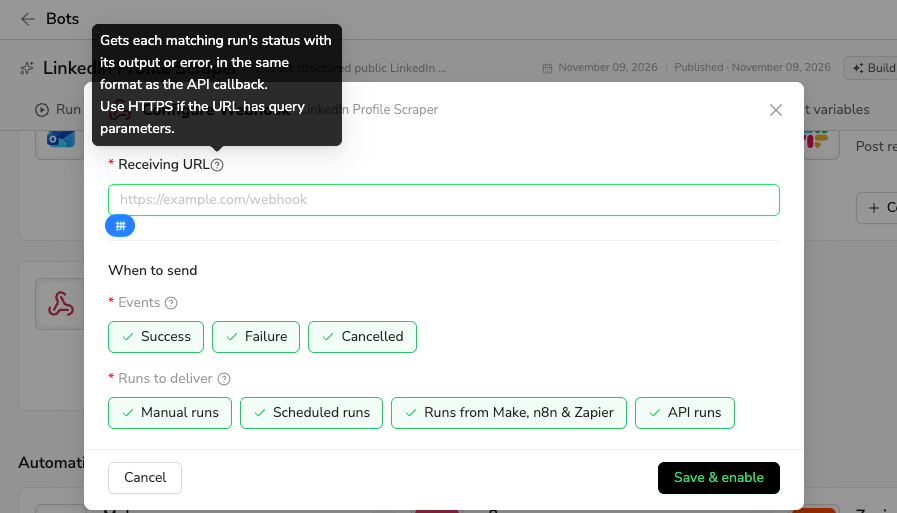
3. Save and check delivery
Click Save & enable; saving does not send a test request. Run the Bot from a selected source. When it ends with a selected event, check your receiver’s request history or logs for the POST request, Content-Type: application/json, and body.