Before you start
- Use a published Agent-built Bot.
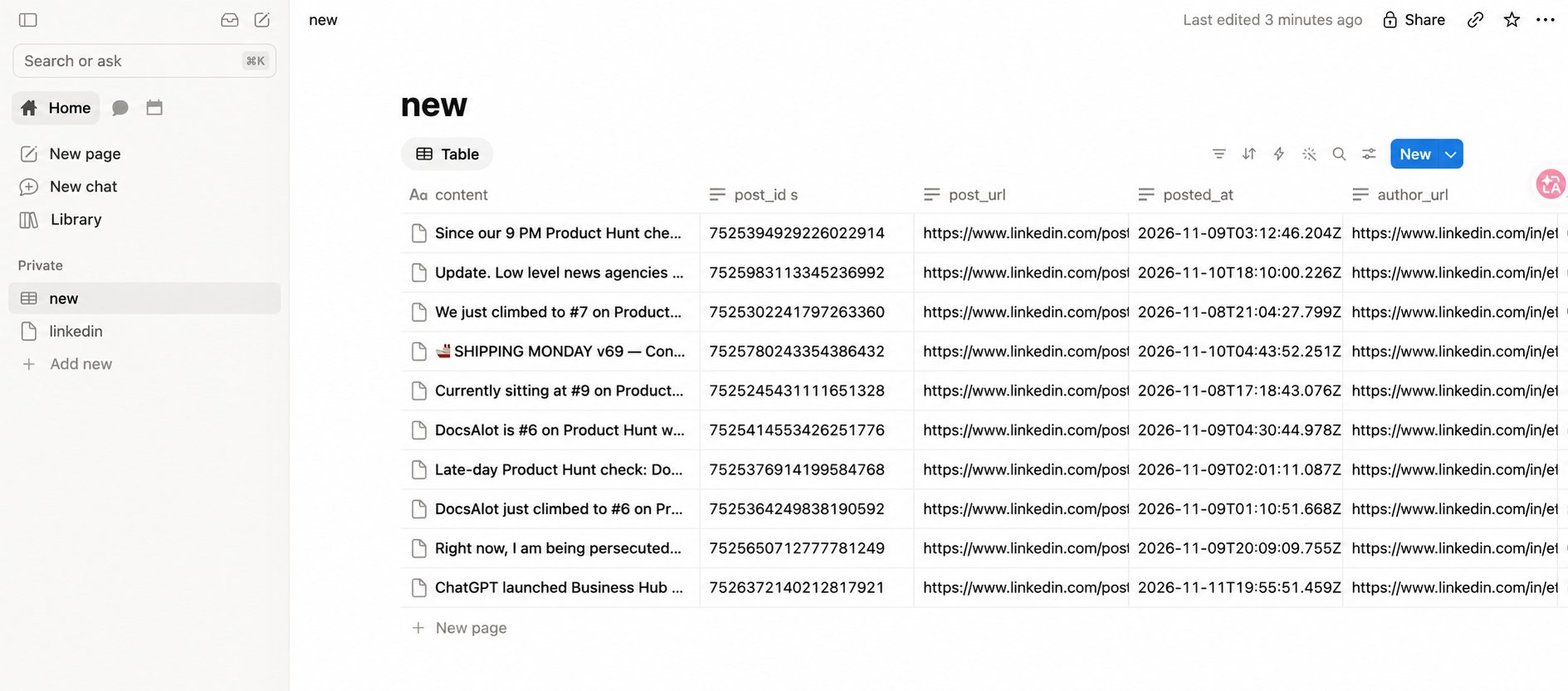
- Create a Notion parent page or database. For databases, prepare properties for the Bot’s output.
- Make sure you can authorize the workspace and connect the target.
1. Connect Notion
Open your Bot → Integrations → Notion → Configure.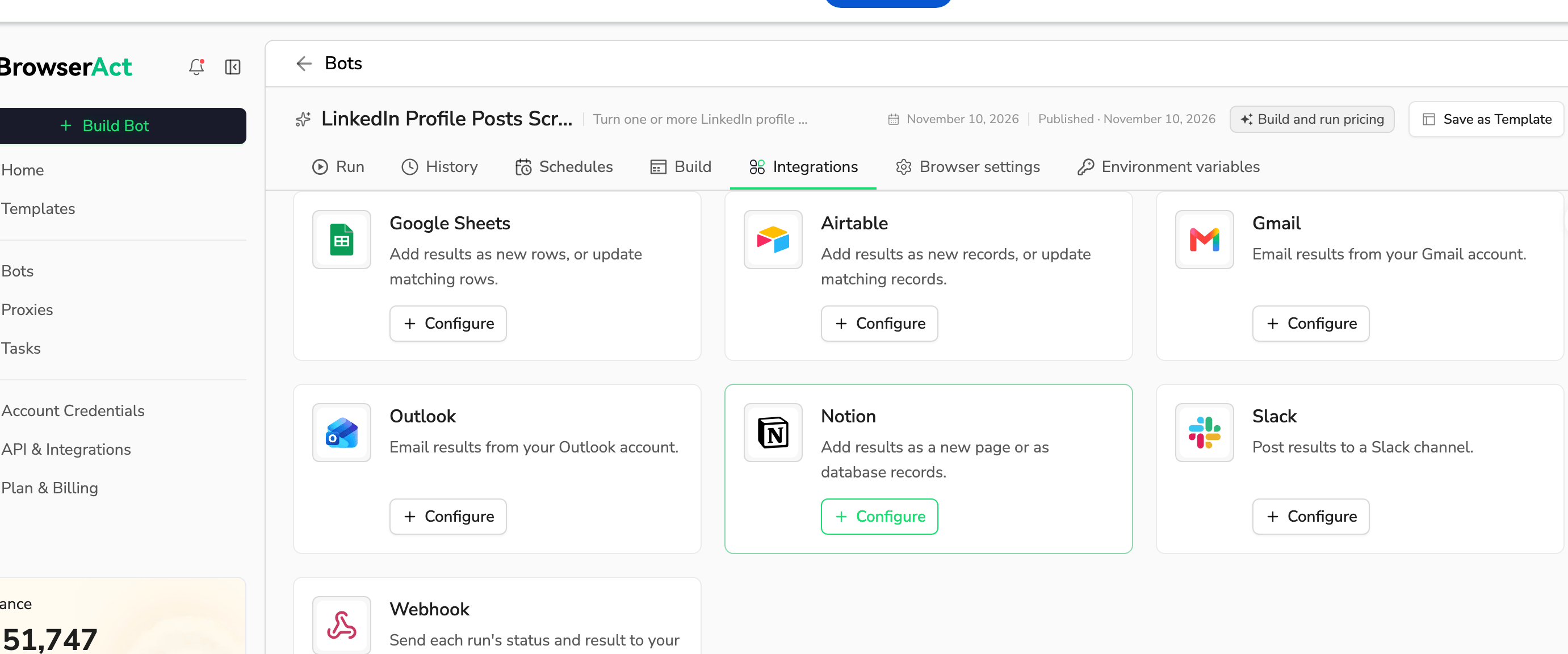
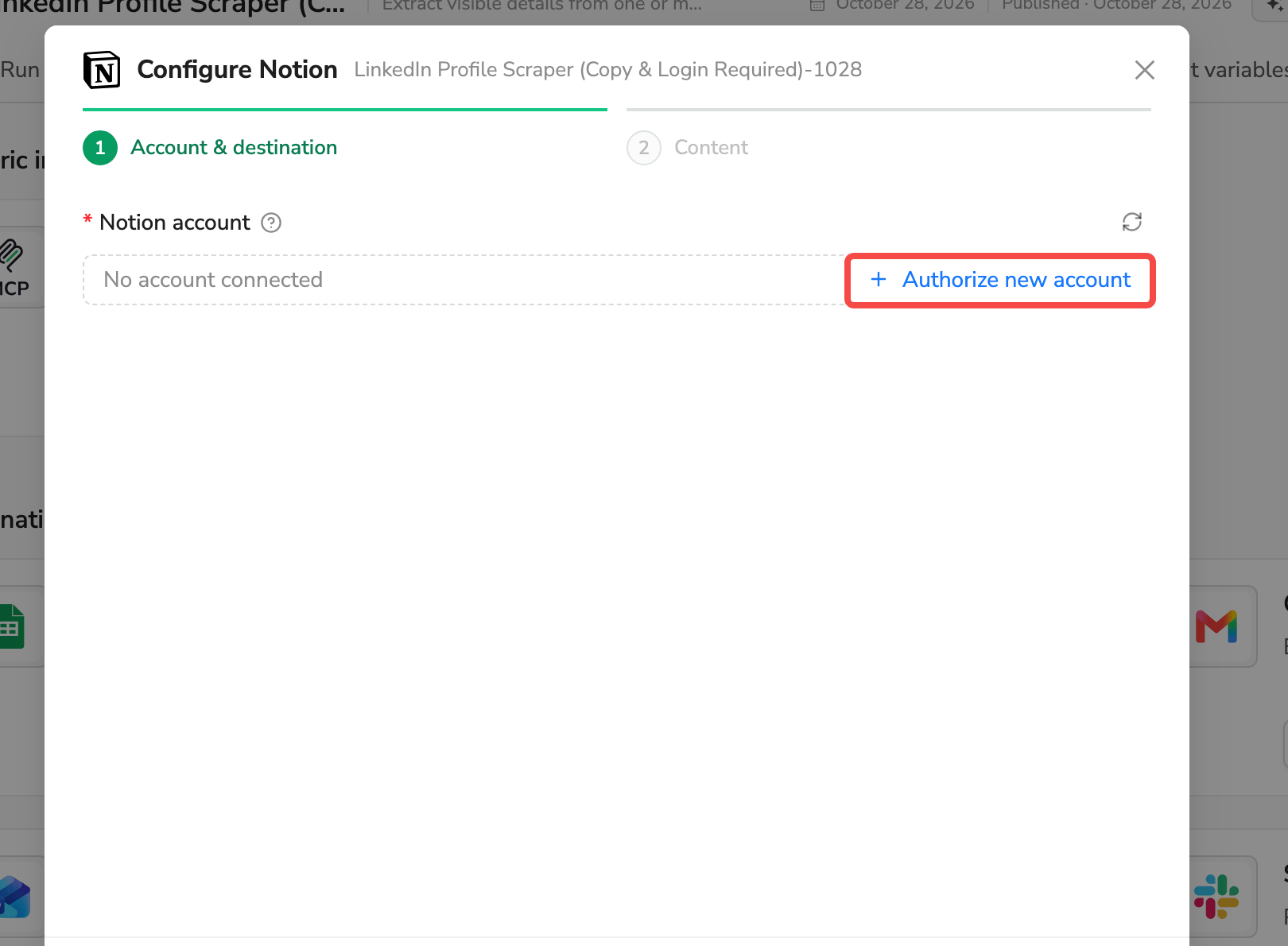
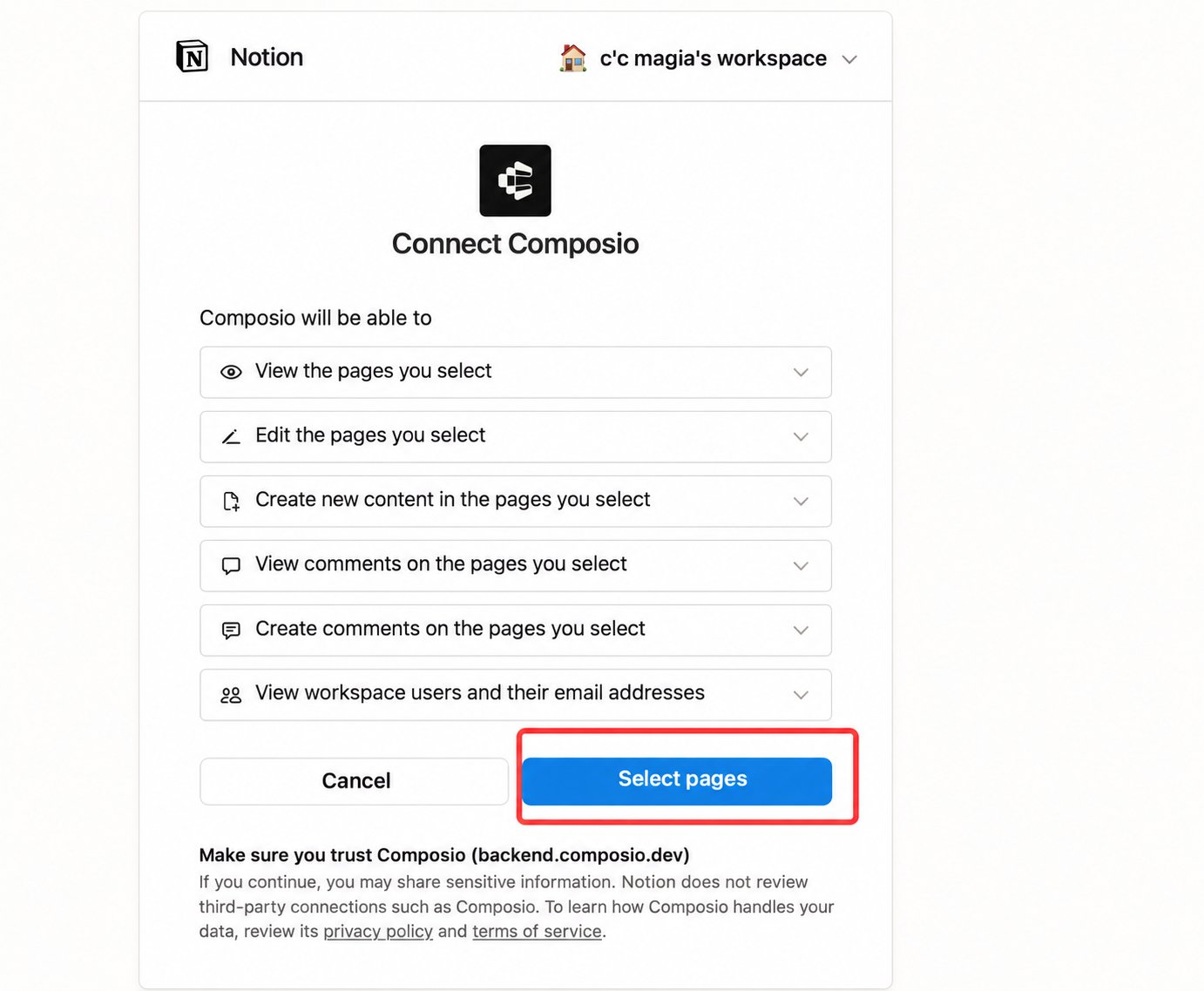
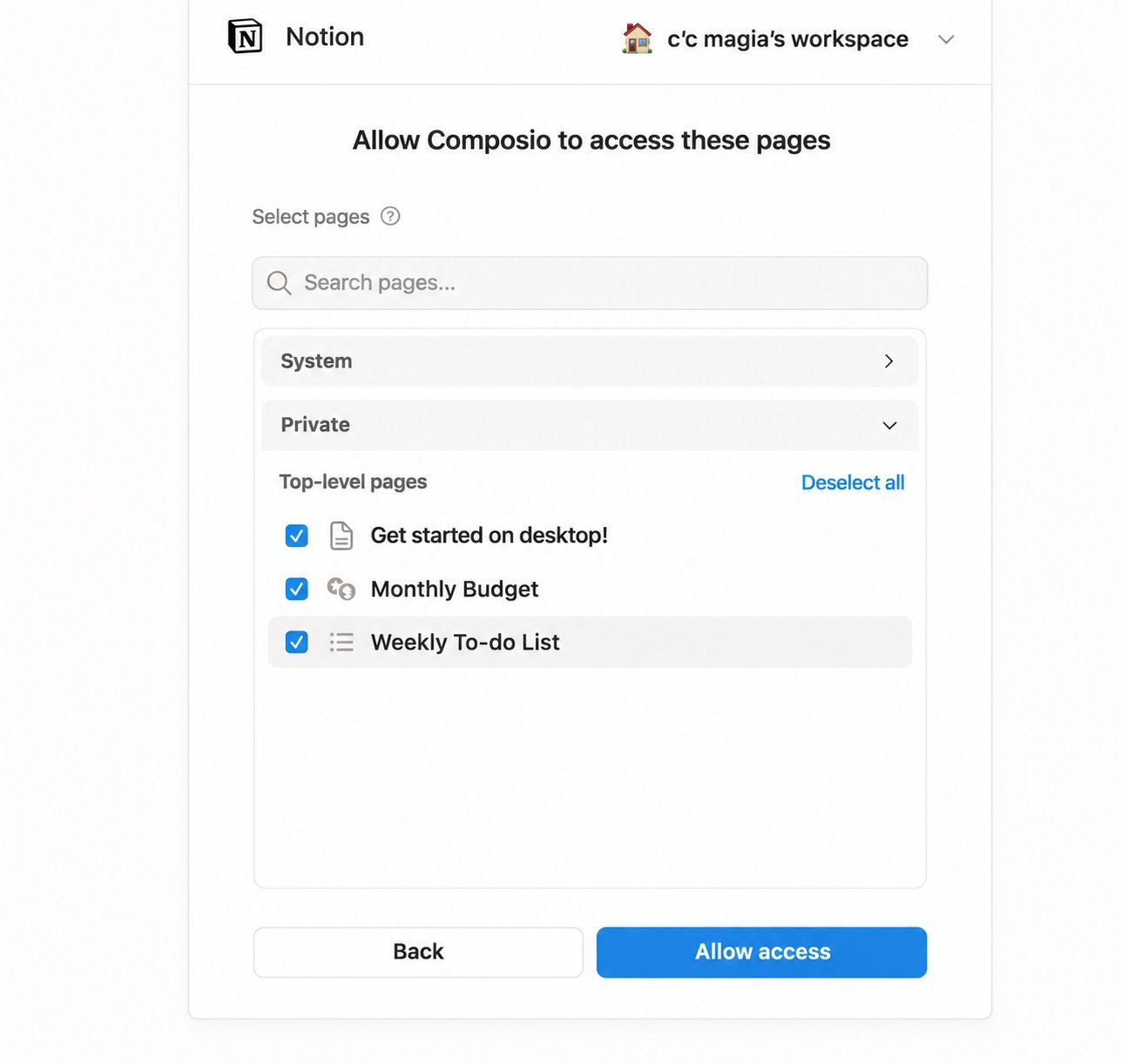
2. Grant access to the target in Notion
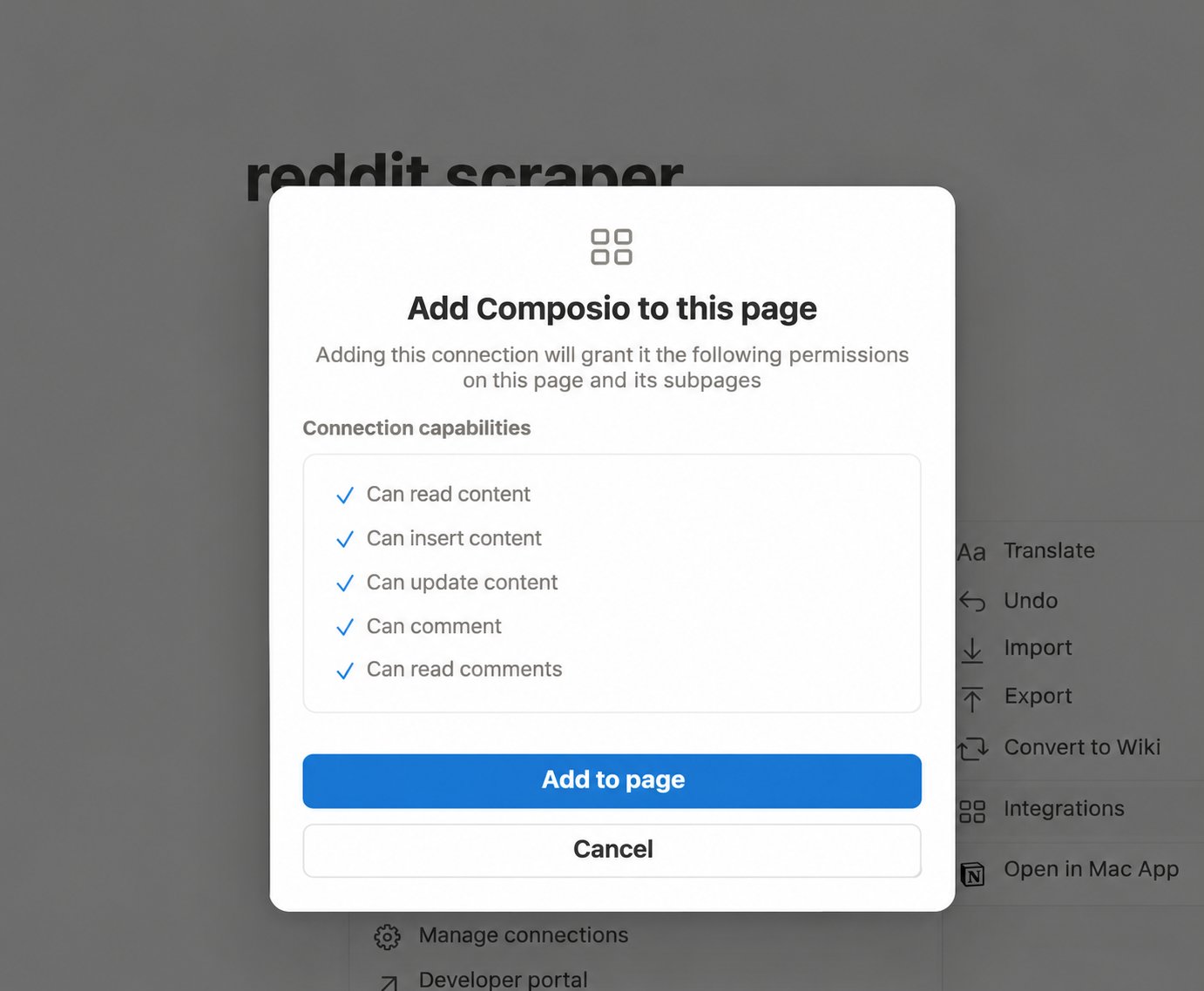
Workspace authorization alone is not enough. Add the Composio connection to the specific page or database:- Open the target’s ••• menu.
- Select More → Connections → Composio.
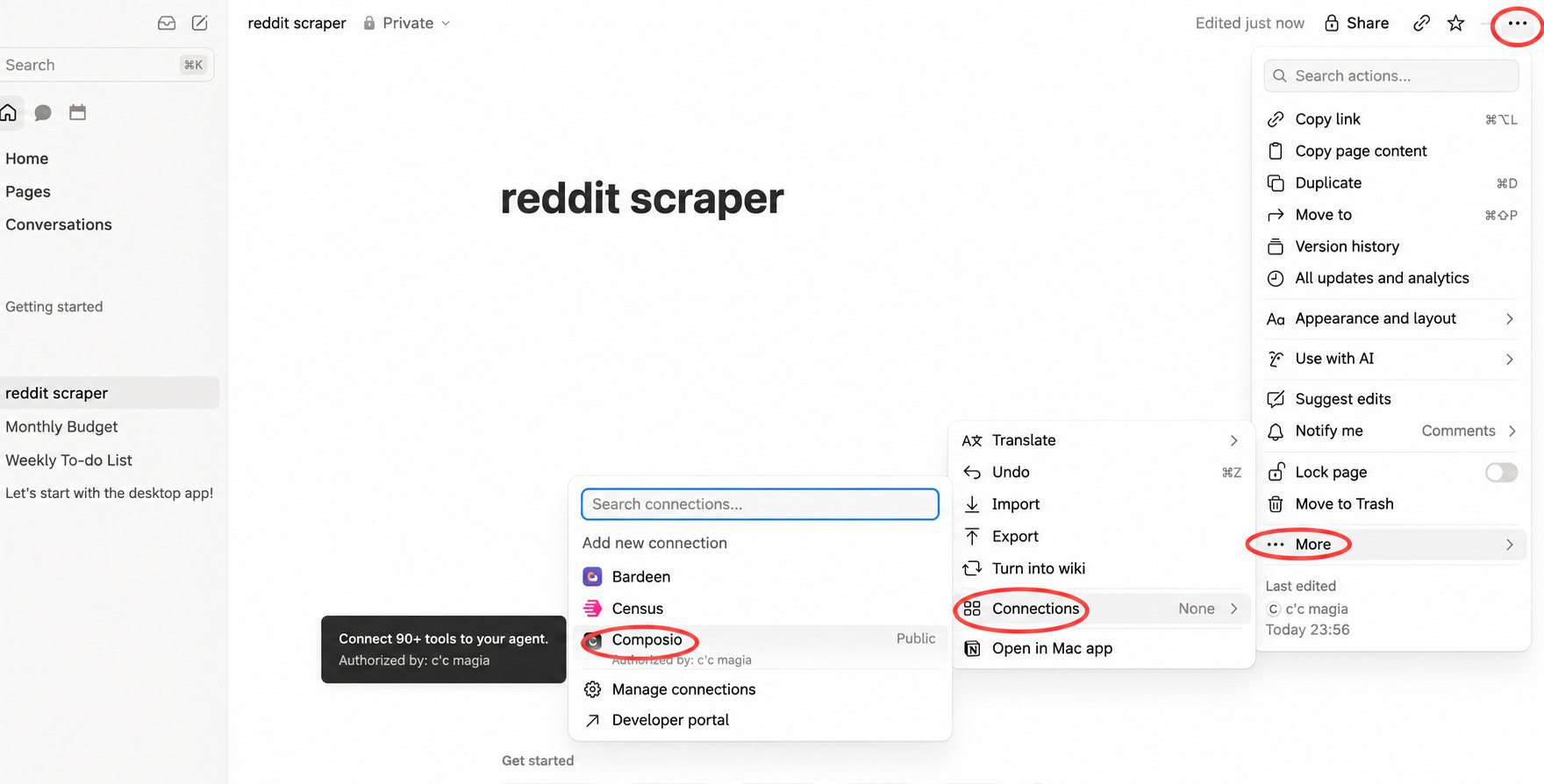
- Click Add to page. This also grants access to subpages.
3. Select run sources and a destination
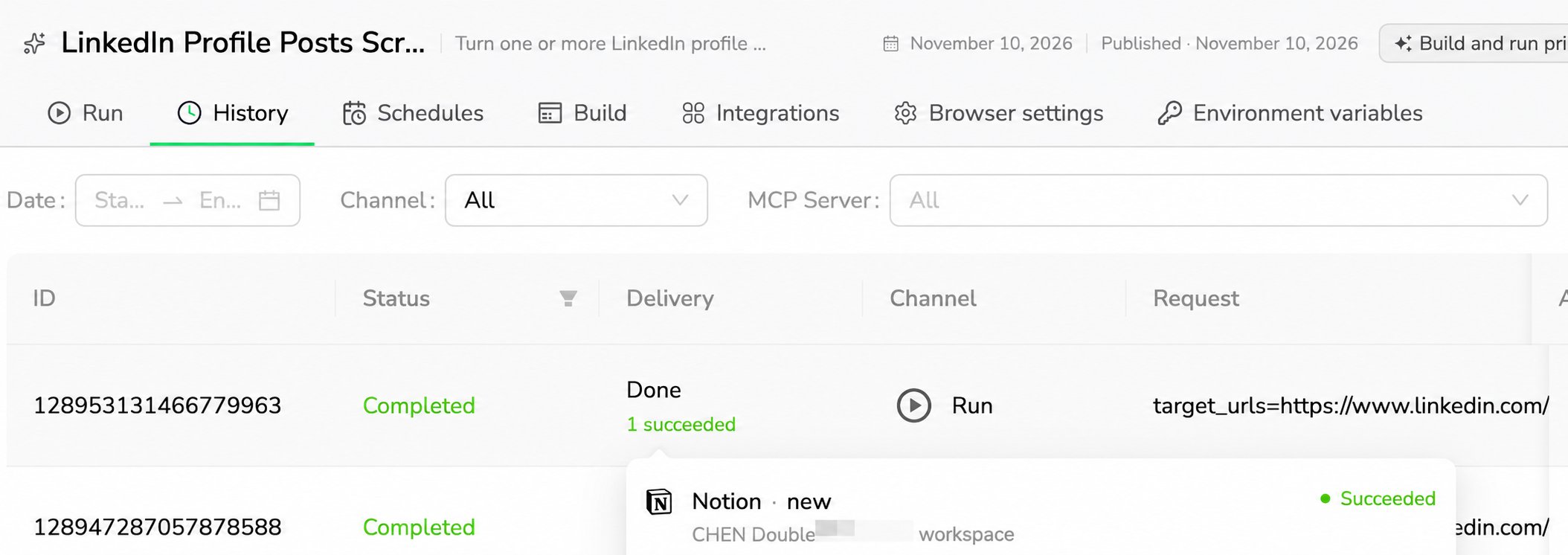
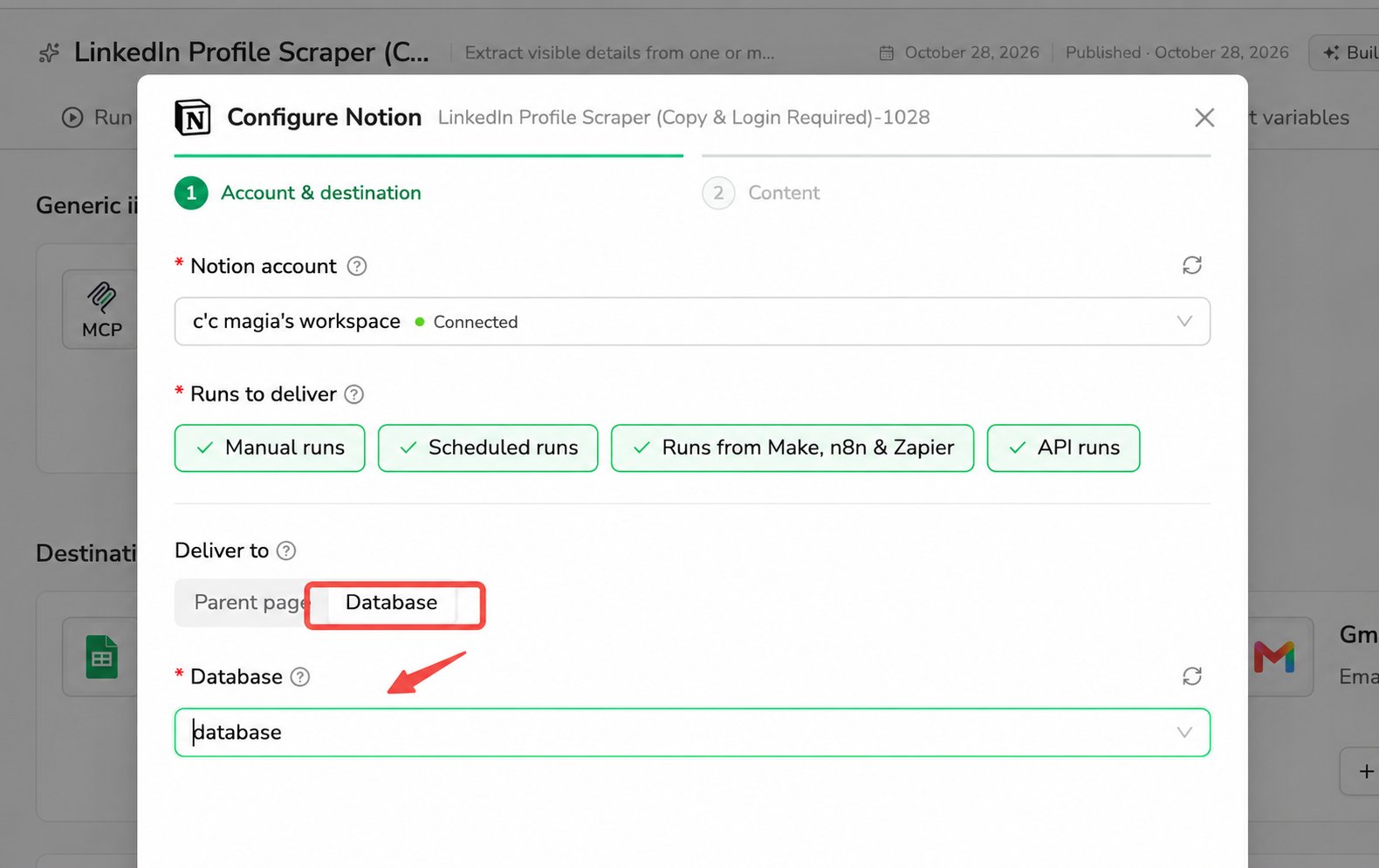
Under Runs to deliver, select at least one source: Manual runs, Scheduled runs, Runs from Make, n8n & Zapier, or API runs. Only successful runs from selected sources deliver results. See delivery conditions for exclusions. Under Deliver to, choose Parent page or Database.Parent page
Select the connected parent page. Refresh the list if it is missing.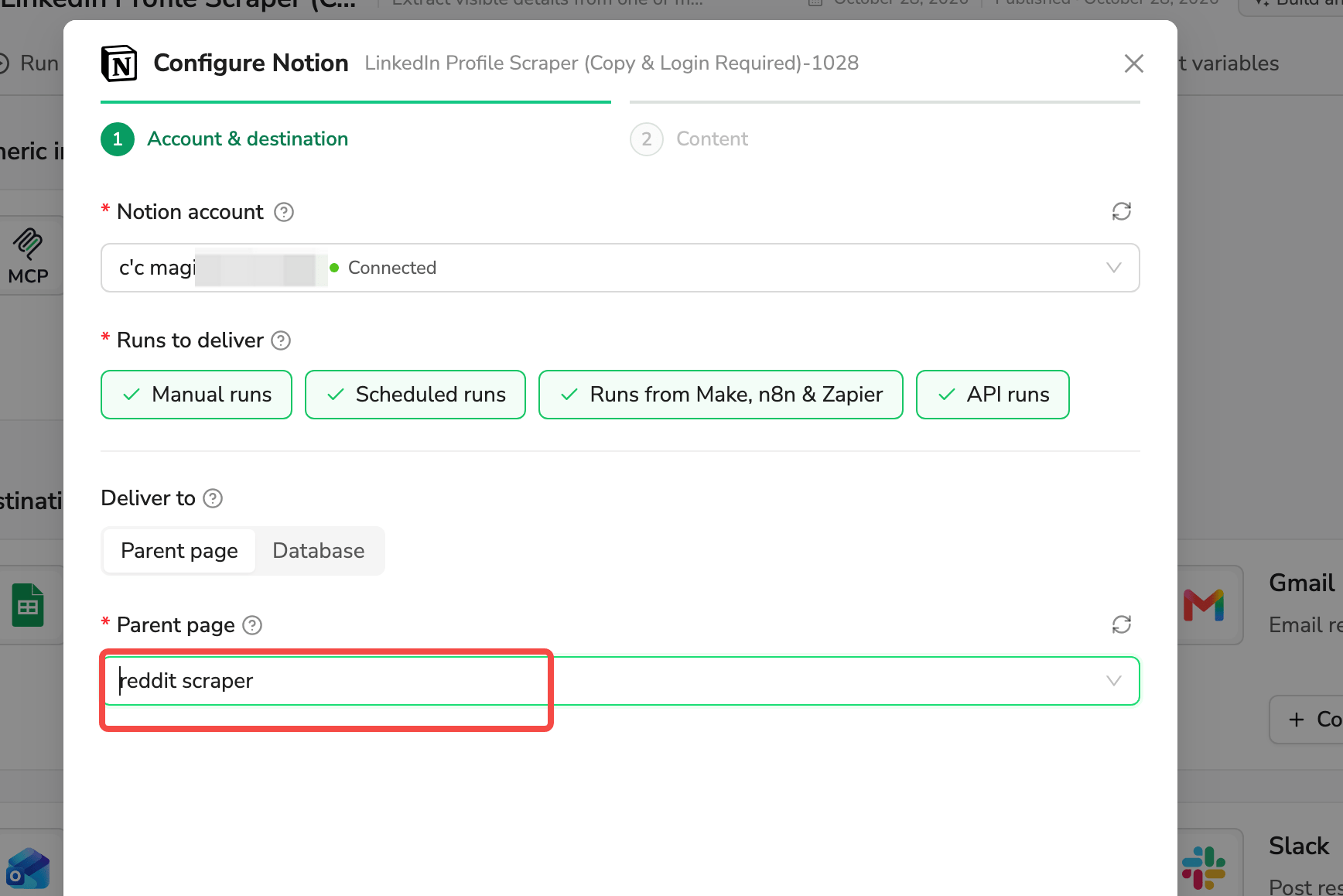
Database
Prepare the database properties and add the Composio connection as described above.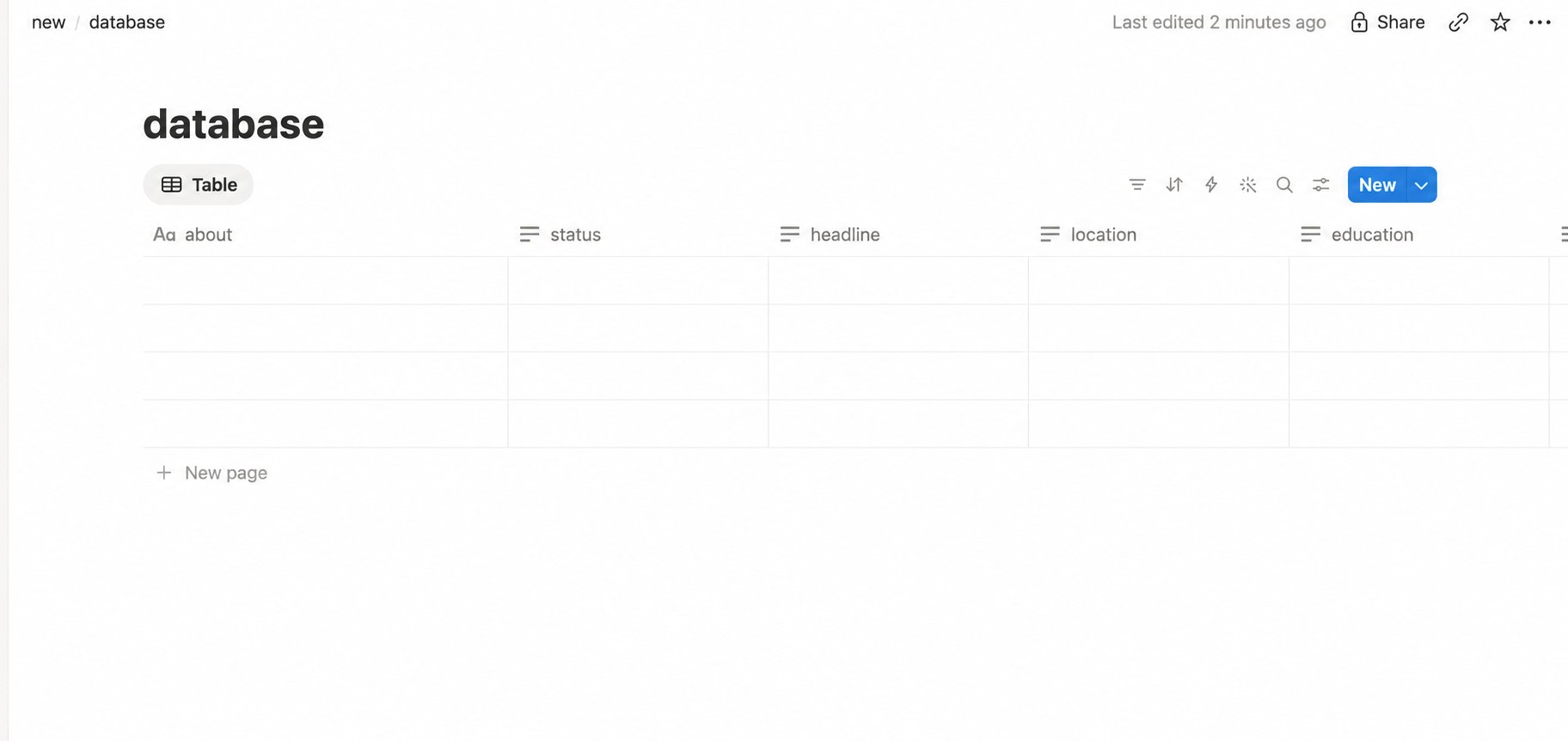
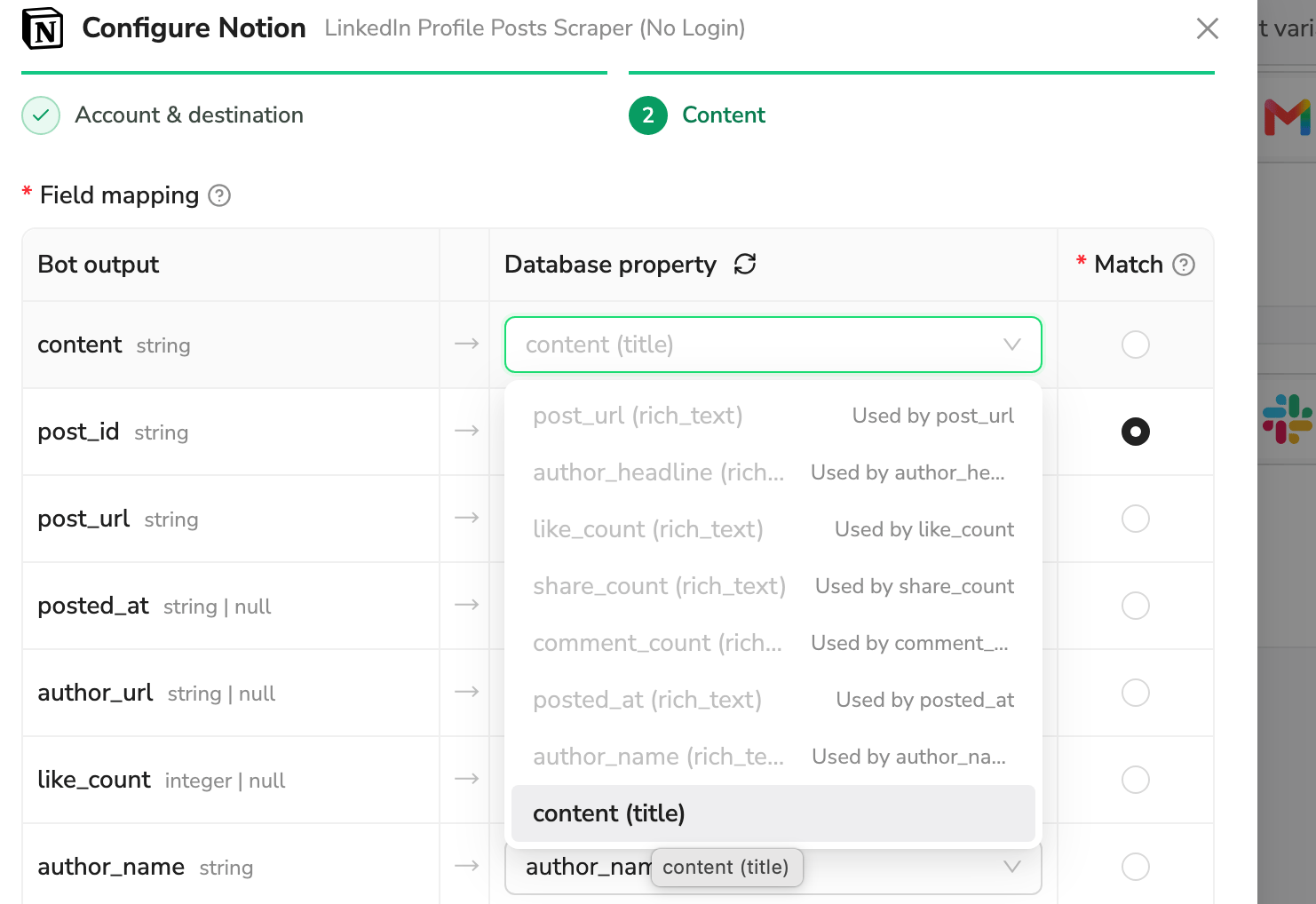
post_id. Matching records are updated with the mapped values; if no record matches, a new record is added.
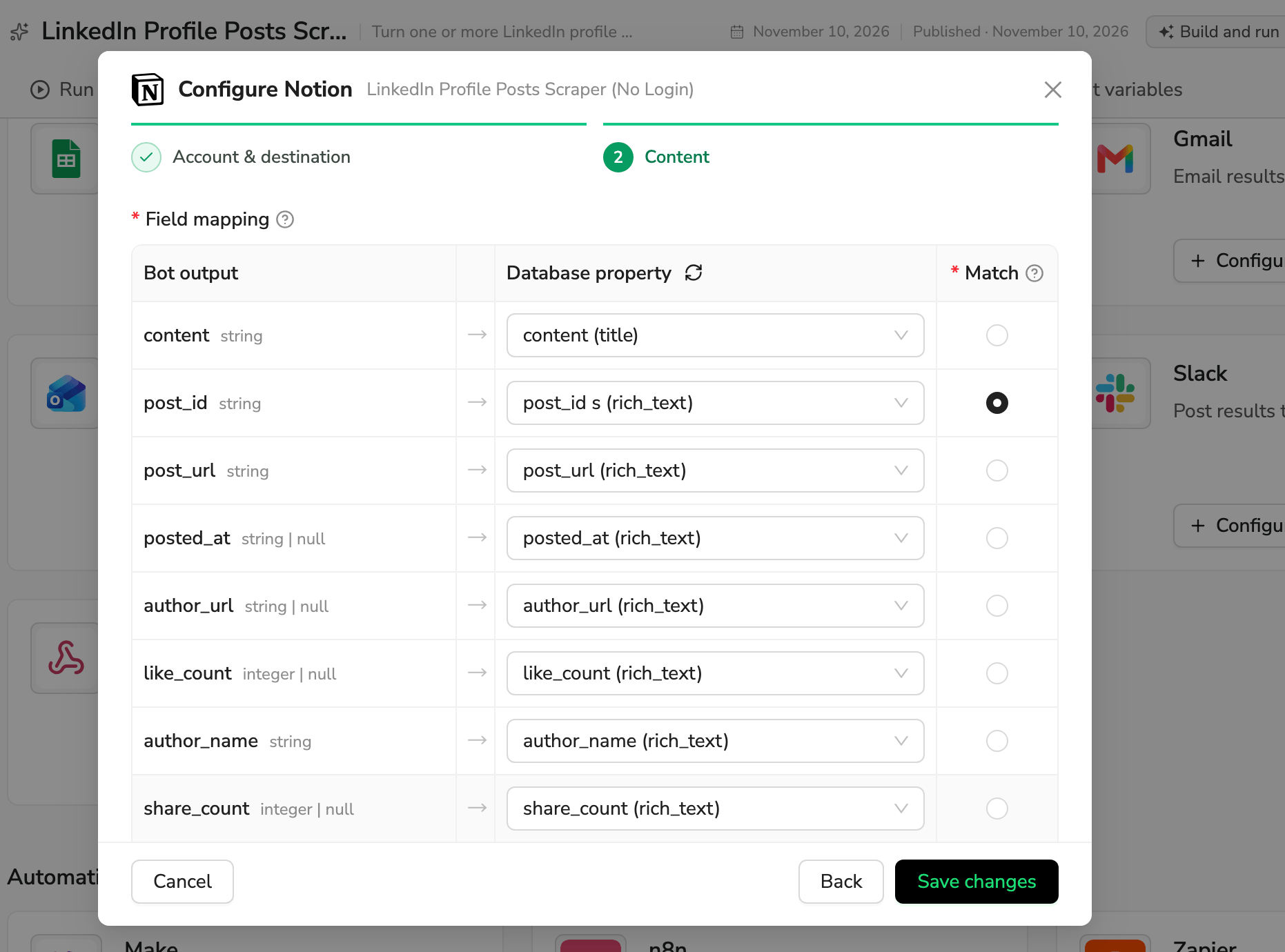
4. Save and check delivery
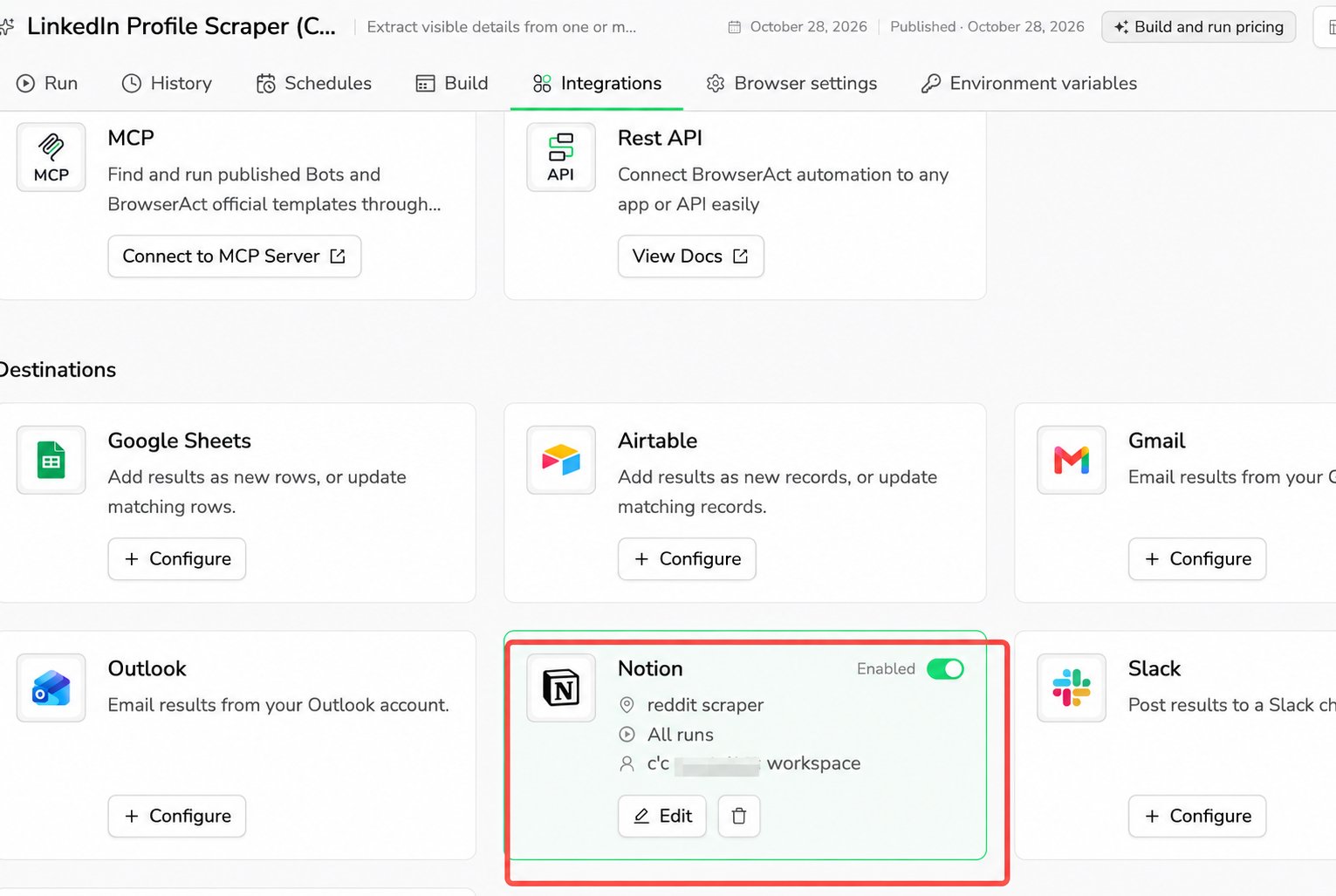
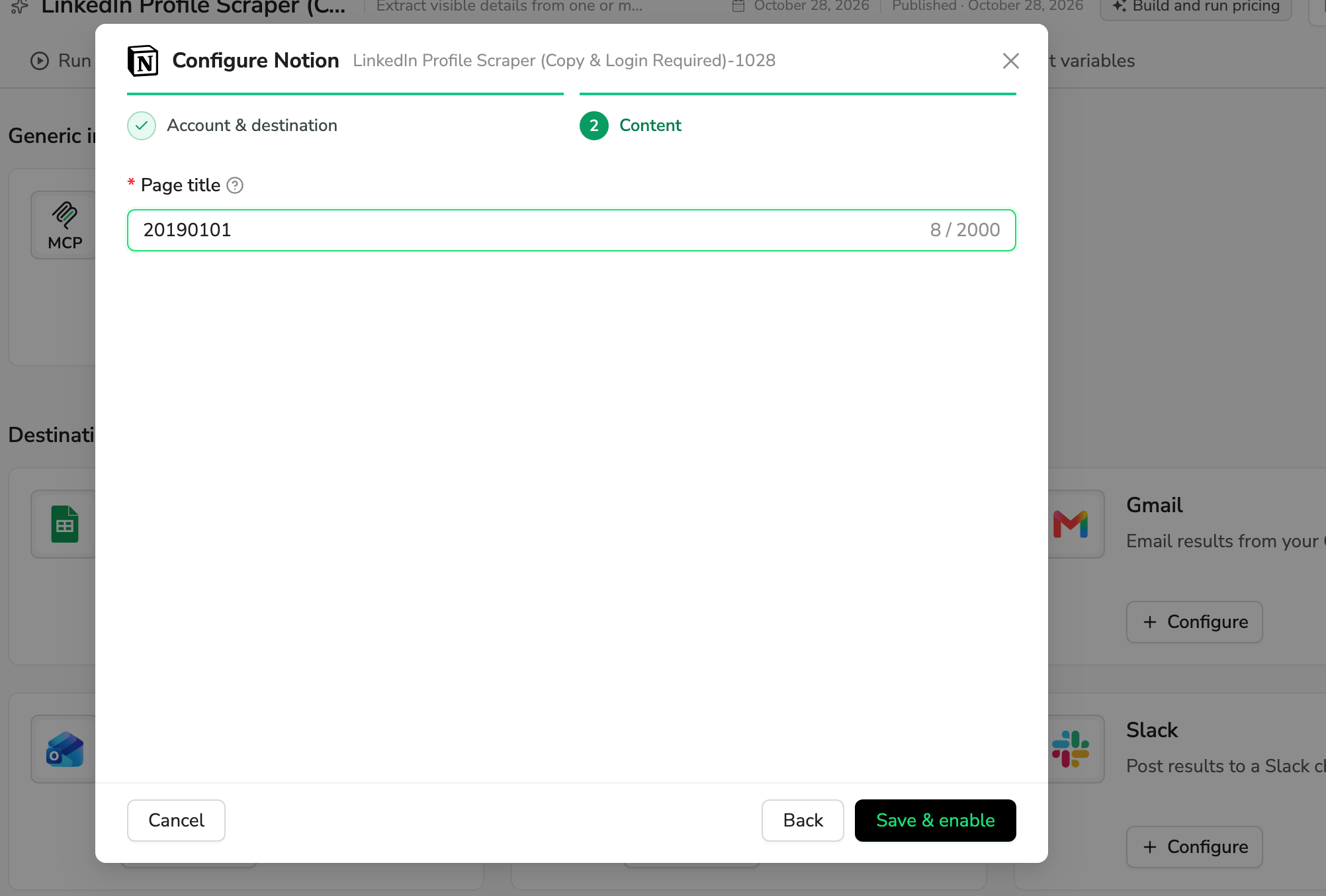
Click Save & enable, or Save changes when editing. The card shows the target, run sources, account, and Enabled switch. Saving does not send a test result.