

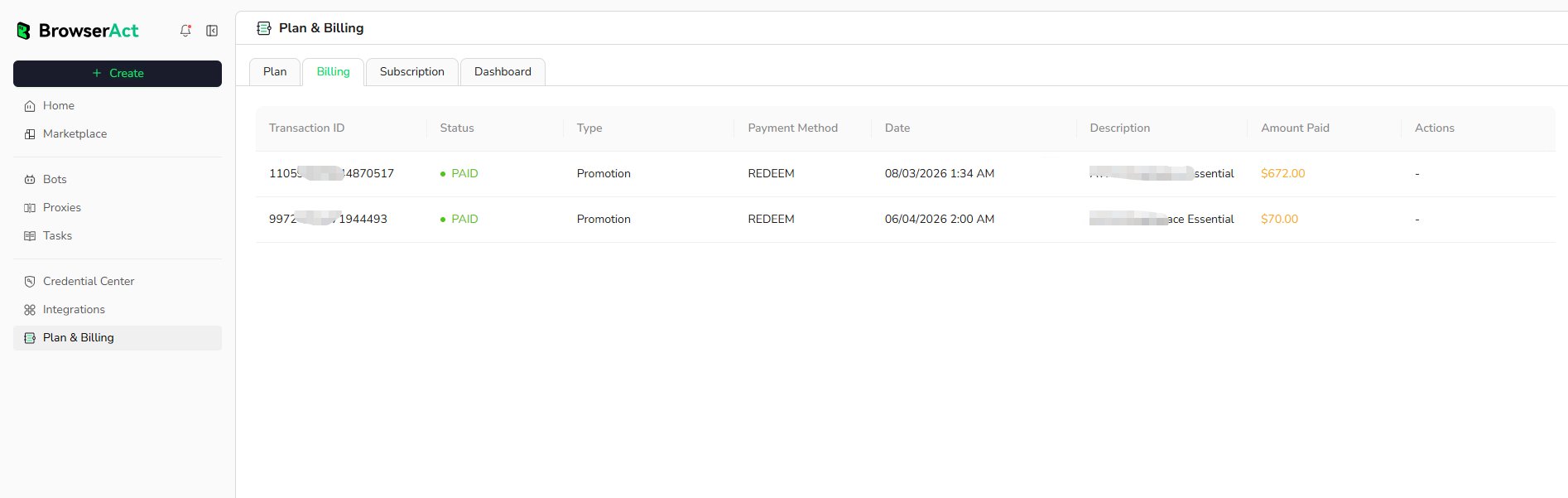
Open Billing History
- Open
Plan & Billingfrom the BrowserAct dashboard. - Select the
Billingtab.
Review a Transaction
Each transaction can include:- Transaction ID: The identifier for the transaction
- Status: The current payment status
- Type: The transaction category
- Payment Method: How the transaction was completed
- Date: When the transaction was recorded
- Description: The plan, promotion, or purchase associated with it
- Amount Paid: The amount charged for the transaction
- Actions: Available transaction actions when supported