Before You Start
- Have your discount code ready.
- Select an eligible Monthly subscription plan.
- Check that your purchase meets the promotion’s conditions.
Step 1: Choose Your Subscription Plan
- Open Plan & Billing in BrowserAct.
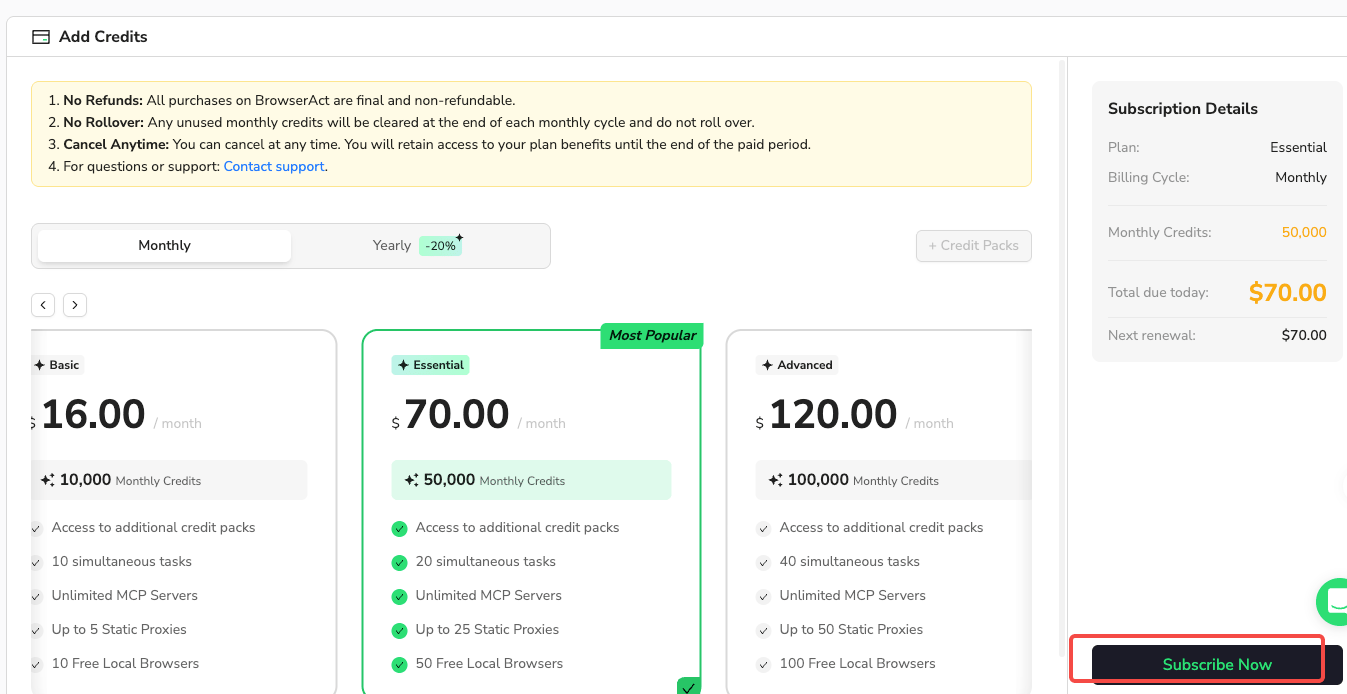
- Select Monthly.
- Choose the plan you want to subscribe to.
- Select Subscribe Now to open checkout.
Step 2: Apply Your Discount Code
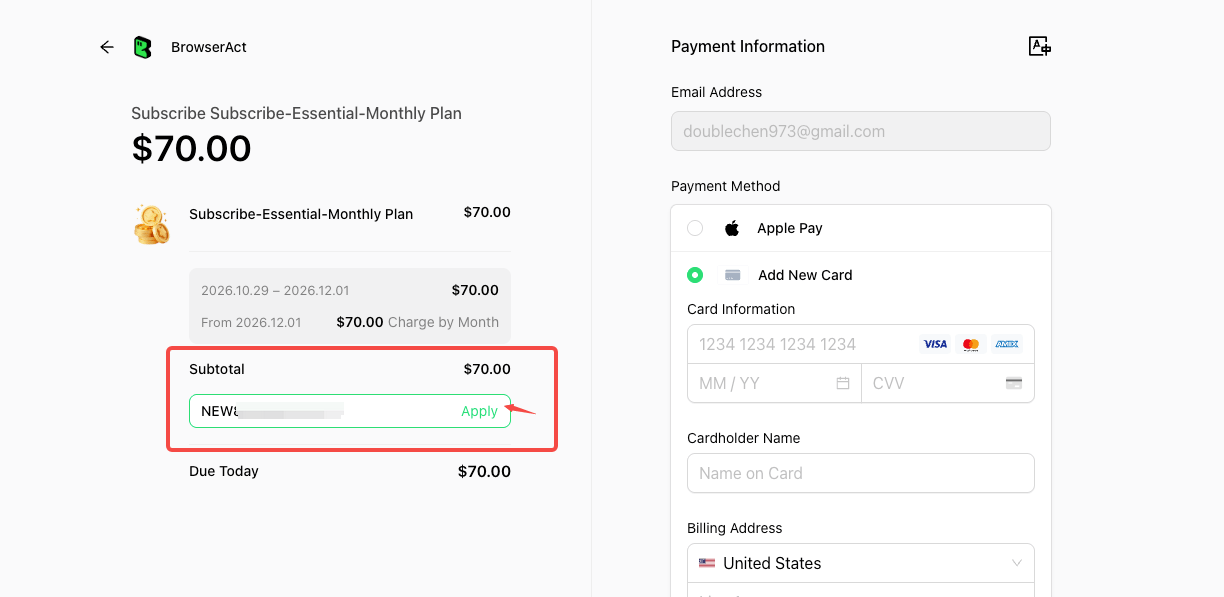
- On the checkout page, find the discount code field below Subtotal in the order summary on the left.
- Enter your discount code.
- Select Apply.
Step 3: Review the Discount and Complete Payment
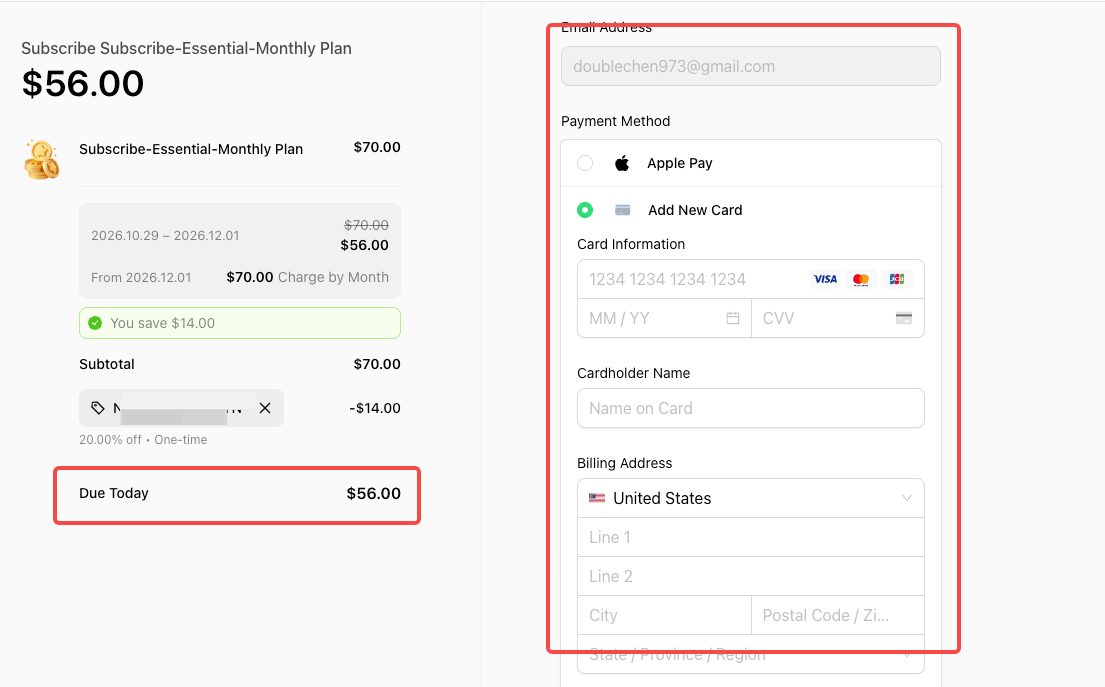
- Confirm that the discount appears in the order summary.
- Check the updated Due Today amount.
- Review the renewal price and any one-time discount label shown at checkout.
- Enter your payment and billing information.
- Complete payment using the checkout button.