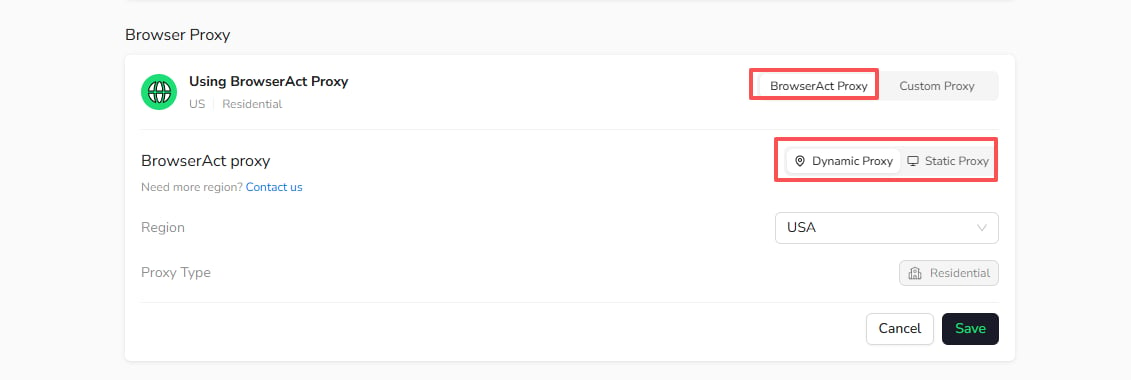
Dynamic Proxy uses BrowserAct’s residential proxy network and can rotate the IP between runs. It is configured for a Bot and charged by usage; you do not purchase a dedicated Dynamic Proxy instance.

Configure Dynamic Proxy

  1. Open Bots and select the Bot.
  2. Select Browser settings.
  3. Under Browser Proxy, select BrowserAct Proxy > Dynamic Proxy.
  4. Select the required region.
  5. Select Save.
Configure BrowserAct Dynamic Proxy The saved proxy configuration applies when the Bot runs.

When to Use Dynamic Proxy

Dynamic Proxy is suitable for:
  • Public web data extraction
  • Price and content monitoring
  • Region-specific search or page results
  • Tasks that benefit from IP rotation
For public extraction tasks that do not require a persistent login, pair Dynamic Proxy with Private Browser. For current usage charges, see Account, Billing & Credits FAQ.