

Enable the Alert
- Open the account menu at the bottom of the BrowserAct dashboard.
- Select
Task Failure Alert. - Turn on
Task Failure Alert. - Enter how many failures should trigger the notification.
- Select
Save.
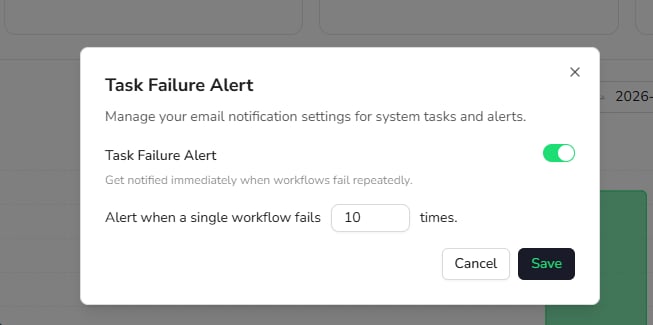
Task Failure Alert, turn it off, and save the change.