

Redeem Code to apply an eligible BrowserAct redemption code to your account.
- Open the account menu in the lower-left corner of the BrowserAct dashboard.
- Select
Redeem Code.
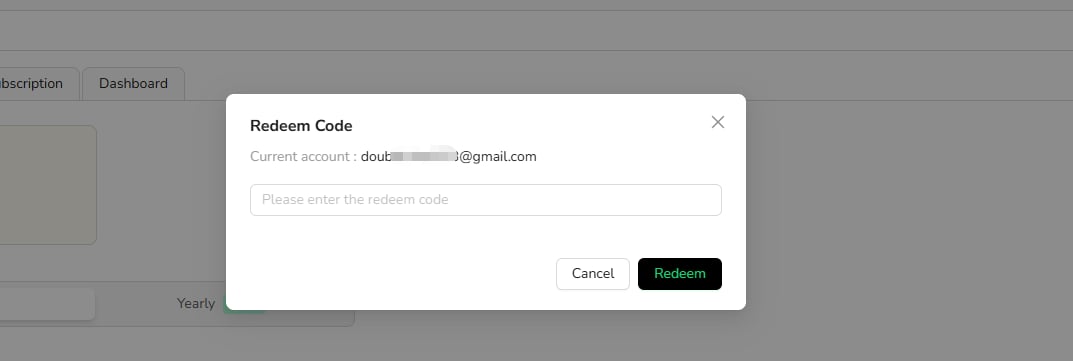
- Enter the redemption code.
- Complete the redemption.
- Review your balance or plan information to confirm the result.