Open Account Settings
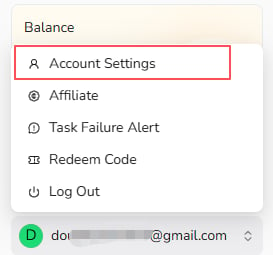
Open the account menu at the bottom of the BrowserAct dashboard and selectAccount Settings.
Change Your Username
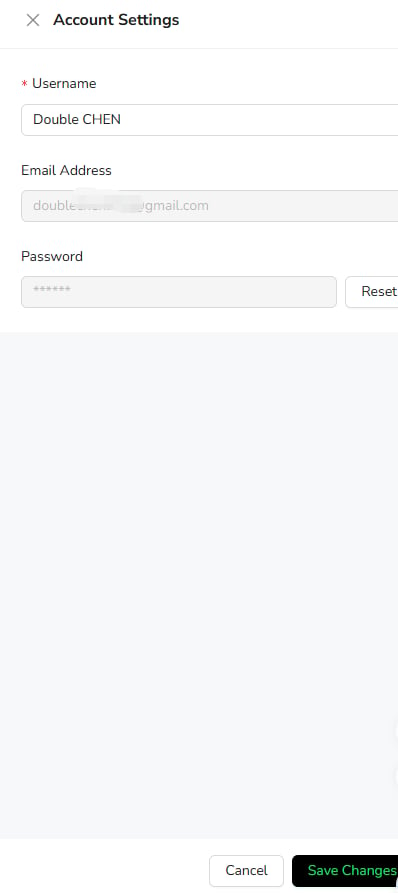
- Update the
Usernamefield. - Select
Save Changes.
Reset Your Password
SelectReset beside the Password field and follow the password reset instructions.