

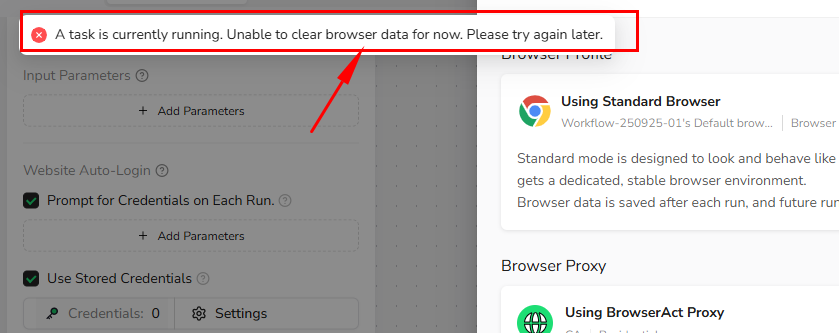
1. “Clear Browser Data” Is Disabled
Cause- A workflow task is currently running
- Stop the running task
- Retry after the task completes
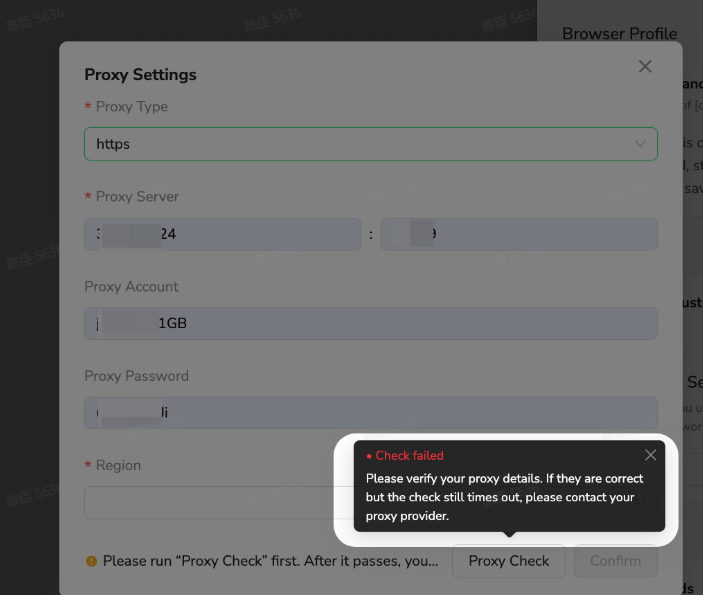
2.Proxy Check Failed
- Incorrect proxy credentials
- Wrong proxy protocol
- Proxy IP is blocked or unavailable
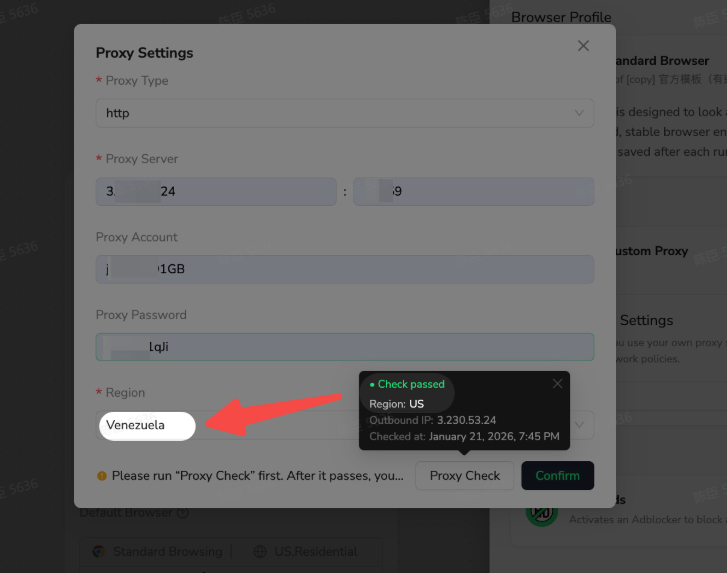
3.Detected Proxy Region Does Not Match Expectations
Cause- Inaccurate geo metadata from the proxy provider
- Manually edit the
Regionfield - Save settings and continue execution
4.Frequent Login or Verification Prompts When Running the Workflow
Possible reasons- Using Private Browser for login-based workflows
- Fingerprint is being reset too often
- Switch to Standard Browser
- Use a stable Custom Proxy
- Avoid unnecessary fingerprint regeneration