1 Performance Optimization
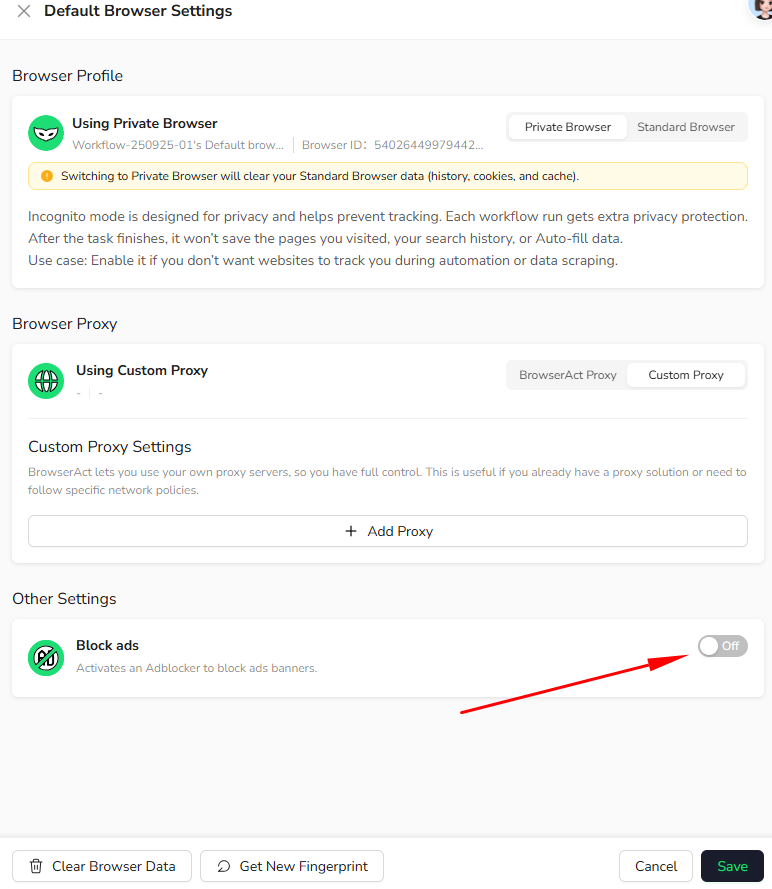
Block Ads
Purpose- Blocks banner ads and pop-ups
- Improves page load speed
- Pages contain heavy advertising
- Ads are irrelevant to your data collection
- Running high-frequency or large-scale workflows
2 Browser Maintenance Tools
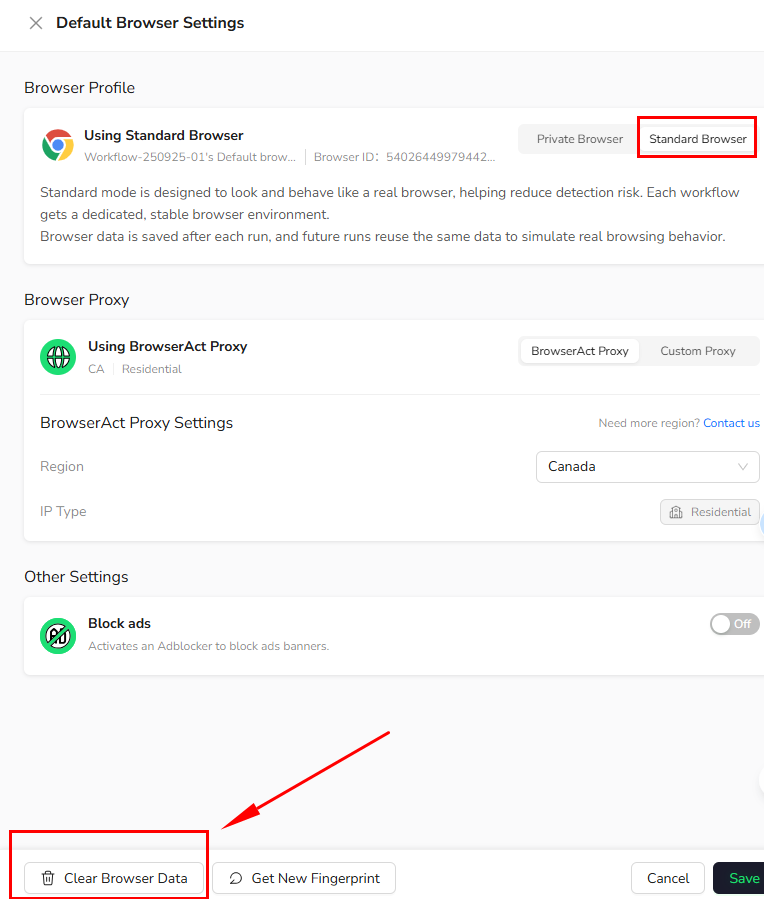
This action is only supported in Standard Browser mode.2.1 Clear Browser Data
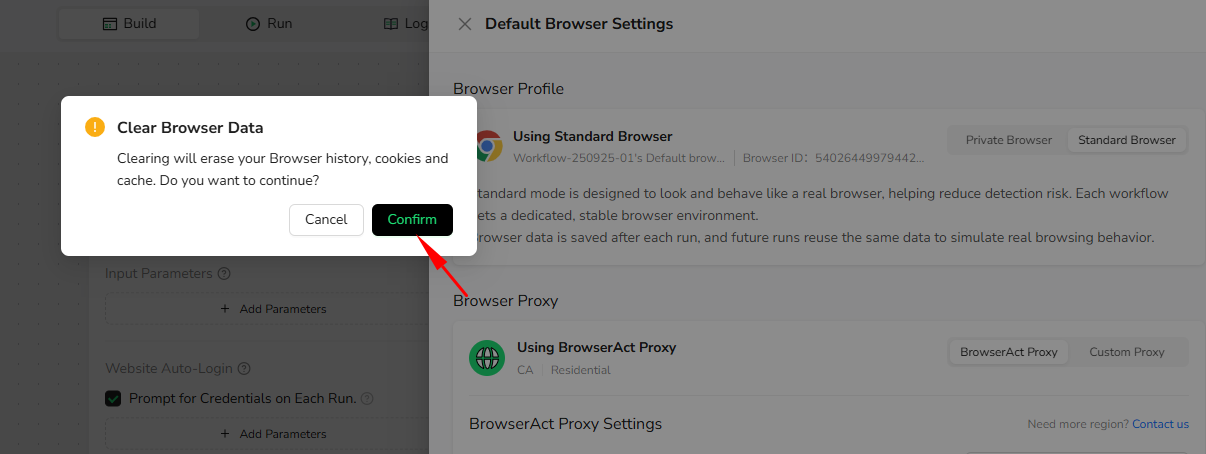
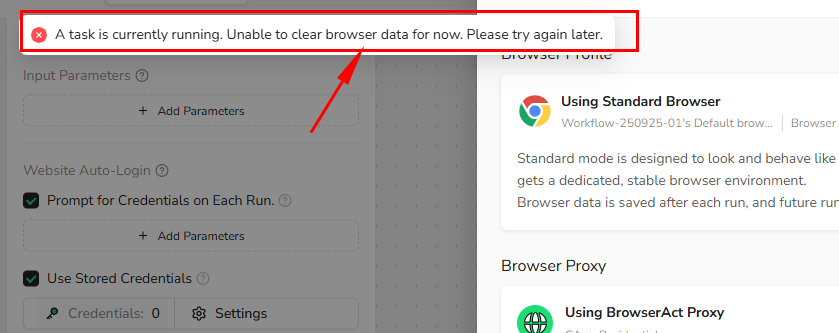
- Manually clears cookies, cache, and browsing history
- Browser fingerprint remains unchanged
- Click the bottom left corner of the page -Clear Browser Data- and confirm again
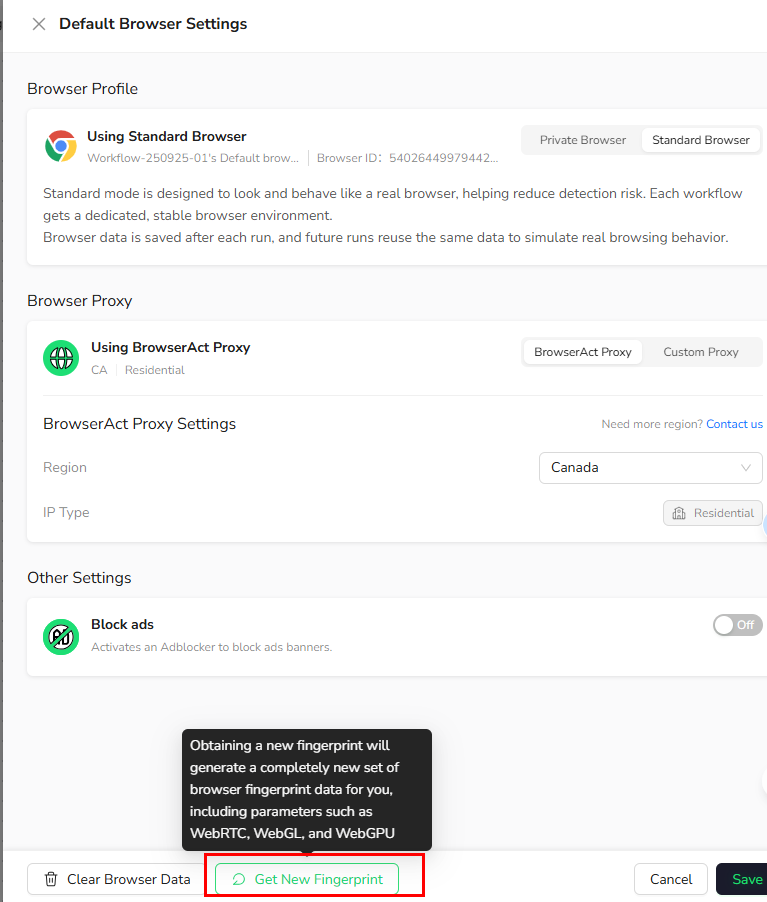
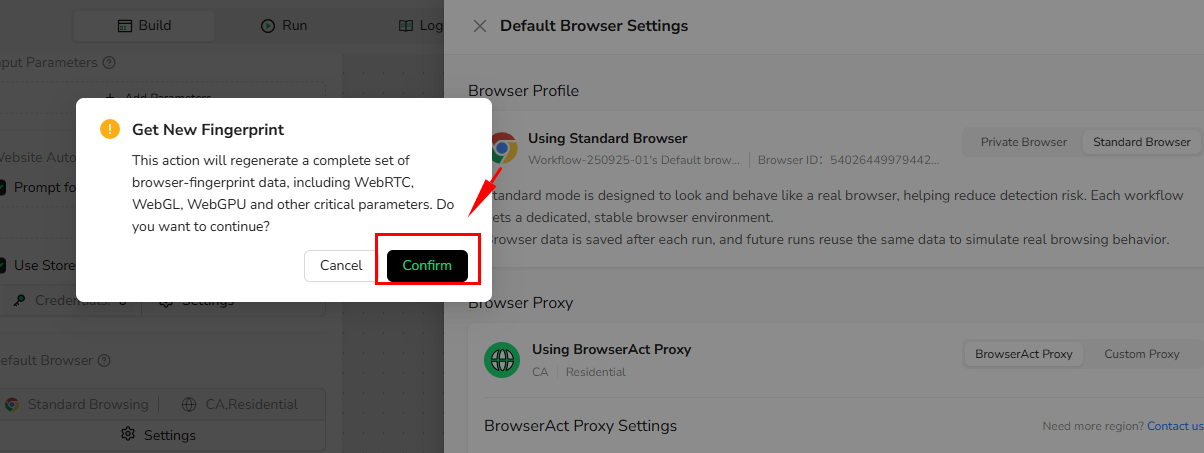
2.2 Get New Fingerprint
What happens- Generates a completely new browser fingerprint
- Includes WebRTC, WebGL, and WebGPU parameters
- Websites will recognize the browser as a new device